All posts relating to Maxwell Render 1.x
User avatar
By JorisMX
#279273
I can't really show any images since this is a confidential job, so I'll have to explain this in words.

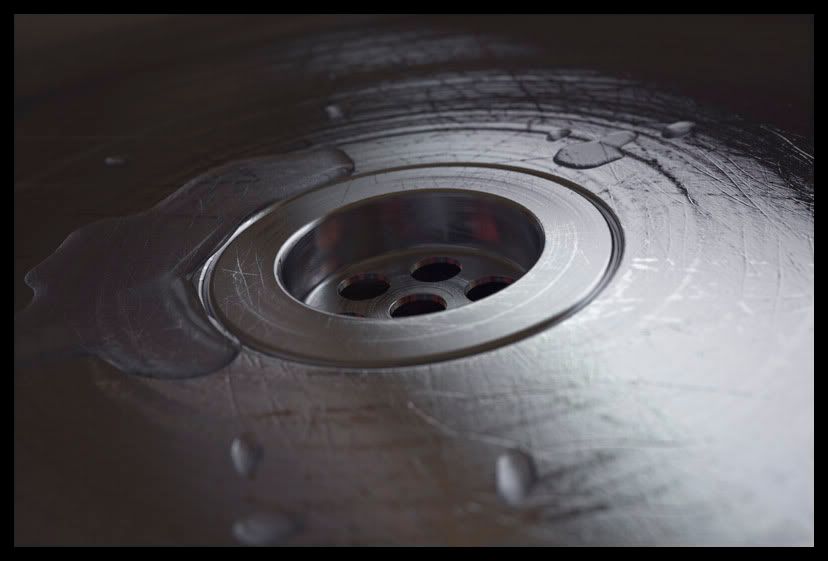
I'm trying to light a surface with a mesh sitting on top that resembles small water splats and drops.
The mesh for the drops and splotshes was made from a Vector using extrude and fillet curves.

Now my surface is low grade glass and the mesh for the drops is clear water.
I'm trying to get a nice rain on a car like look with transparent water and shiny reflection edges.

Every time I render the drops turn out opaque black. I've tried messing with the attenuation and such, and then yesterday rendered from a very close camera view.
Suddenly the drops came to life, however I have to maintain my camera situation with a huge focal length (416.00) to get the entire image in one render.

Since I cant show any renderings here are some reference pictures

This is pretty much the angle I'm looking from but a few meters further away

Image

And this is more or less what my mesh looks like

Image

I've used a HDR on the environment and emitters from behind, the top and the sides trying multiple lightings with no success.

only a very close camera in a different angle will bring out the drops.

I'm sorry I cant provide proper information or a scene... hope this does it

greetings
Joris
Last edited by JorisMX on Sun Aug 31, 2008 4:39 pm, edited 1 time in total.
User avatar
By JorisMX
#279276
Hey Kurt,

my drops are made of a pretty simple mesh, so no displacement or other fancy material mapping going on here.
I'm using plain wizzard water from mx-ed for starters to get the light right.

here's a fast sketch. perhaps that explains it better

Image
User avatar
By JorisMX
#279288
After a group of test runs, it seems like the only key to getting these drops to light up is firing up the environment heavily which of course results in the rest of the scene being illuminated very differently.

any ideas why this is so and how i could imitate the environment with some sort of emitter?
User avatar
By Mihai
#279298
It could be a lighting issue, or that they would need more rendertime to clear up. If you want you can email me privately the scene or parts of it and I can take a look.
User avatar
By JorisMX
#279356
That would be great Mihai!

I'll send you a link in a bit. Thanks a bunch!
By AWOL
#279360
I tried a scene similar to yours, and it takes a lot of time to clear up. When on SL 15, the drops are still a bit dark and noisy, but on the preview they look a lot brighter.
What SL are you on?
User avatar
By JorisMX
#279367
I'm rendering for print.

So my final res is about 4900x1400.
Since I have various materials using displacement maps and multiple layers of BSDFs the Benchmark is very very low.
Around 50-90 normally.

It took about 14 hrs to get one of my other scenes to SL 15, so I guess it will take ages for the drops to clear up.
One solution might be to render the part with the drops/surface seperately and then merge them using alpha maps in Photoshop.
By itsallgoode9
#279428
I know you say it's confidential, but can you show a screen cap of small section so we can see what the drops look like? Just a closeup of a handfull...just like you showed in your sample shots?? even if not that, just one drop with the glass behind it would probably help get a quicker/better answer
User avatar
By KurtS
#279436
this is a n old rendering I did with MR 1.5 - and it seemd to work fine at that time. I used the same method as you describe above. I'll see if I can find the model and re-render it with 1.7.1
Image
User avatar
By JorisMX
#279455
That looks great Kurt!

I've gotten proper results with similar drops and little puddles. However never from a camera with almost no angle on the drops.
Straight on view with high focal length seems to be the problem.
User avatar
By Mihai
#279459
I looked at your scene, first thing is move the plate object back a bit so it doesn't intersect with the puddle objects. This way it's possible to correctly calculate the caustics and you will get a transparent surface.

Change your liquid material so the transmittance isn't 255 but something a bit less like 230 and raise the reflectance 0° to 20.

Also change your lighting a bit, for example the 180 emitter doesn't have to be a plastic with an emitter component, just an emitter and if it's only 65W it's going to be too weak for that whole surface. I would first run some tests with a metal material on the puddles to check the reflections and in the end apply a liquid material to it but don't forget to move the plate back a bit so it doesn't intersect :)
User avatar
By JorisMX
#279478
Great. Ill try that!
I had the liquid intersecting with the plate because I was trying to see if that might be the issue - must have forgotten to shift it back :oops:

thanks alot for your advice.
I'll let you know once I get to something!
User avatar
By JorisMX
#279490
Those little material adjustments did the trick Mihai!
I feel so ashamed :oops: :D

Thanks alot !!! You saved my "dumb ass".
I just love this place. thanks alot to everyone

I'll post some rendered Images once the thing has been printed.
OutDoor Scenery Question

Hi Ed, Without seeing how your model is setup I'd[…]

fixed! thank you - customer support! -Ed