BE AWARE: PS II: I WILL UPDATE THESE CAPS LATER WHEN I HAVE ALL THE RESULTS OF THE NEWLY SUGGESTED SETTINGS BY THE THEA DEVELOPERS. I ALREADY CAN ASSURE EVERYONE THAT THE IA RENDERER HAS MUCH POTENTIAL THEN IS SHOWN BELOW.
A series of screenshots of TheaRender Interactive Preview versus the TR1 unbiased renderer. Taken at 5 secs, typical IA first glance, 35s. acceptable to judge complex material behaviour before committing and 2m35 to see how much solutions improve if left alone for some time.
First a screenshot of the Thea IA preview after 5 seconds
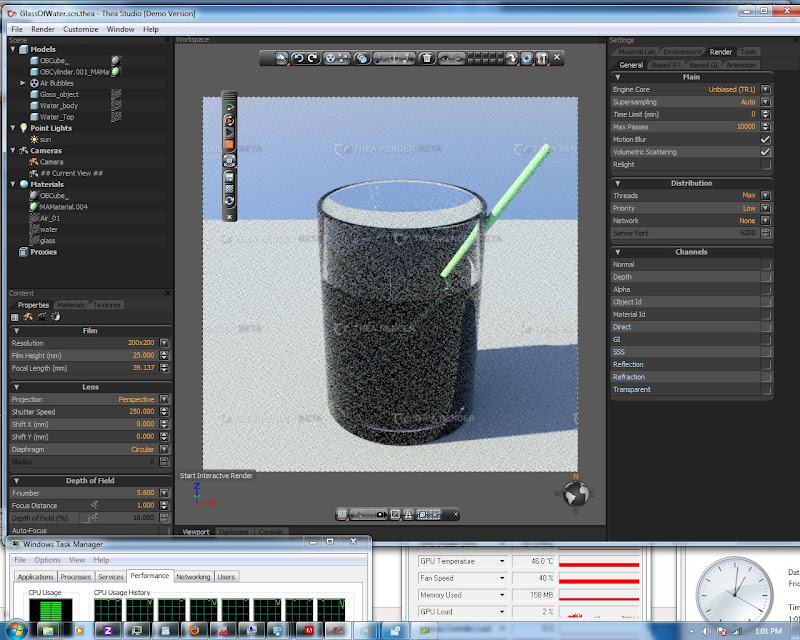
Followed by a screenshot of the Thea render interface after 5 seconds (actually four as you can see)
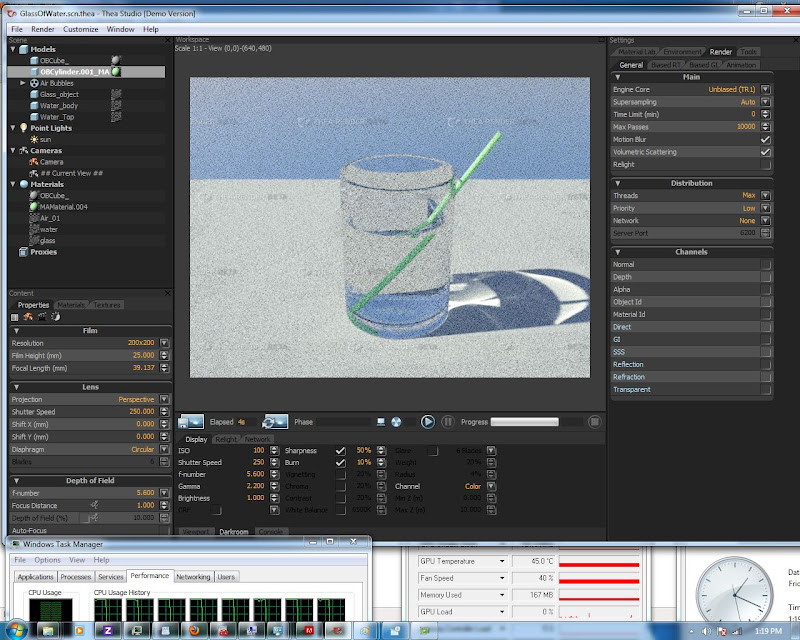
Now a series of selection with only the output window shown.
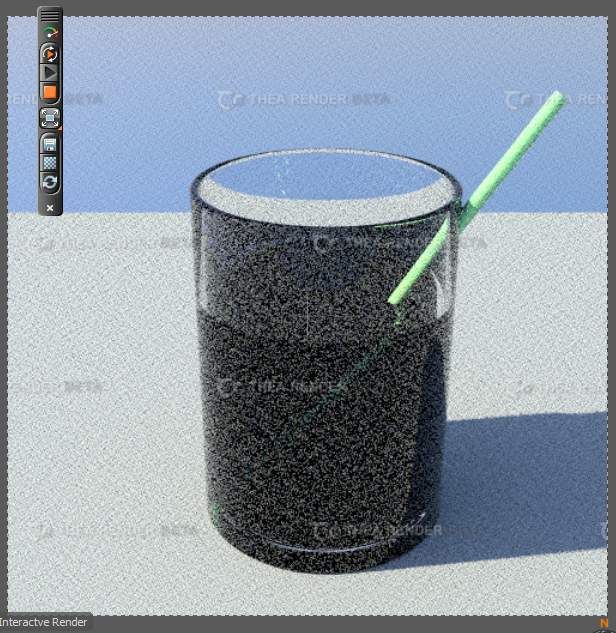
First the IA after 5s
The renderer (TR1 see at top unless otherwise mentioned) after 5s
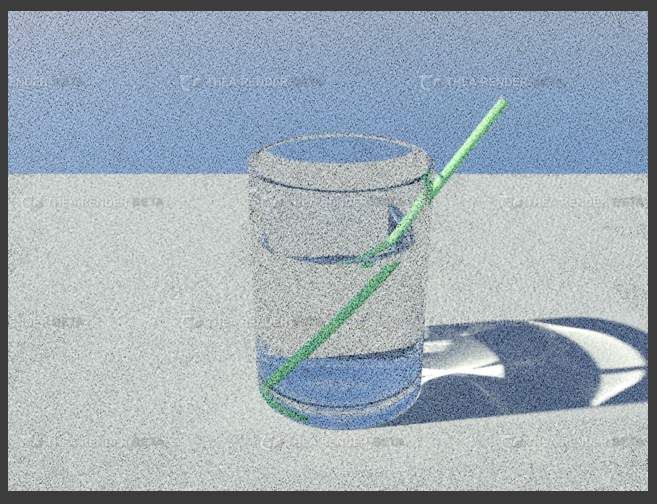
IA after 35s
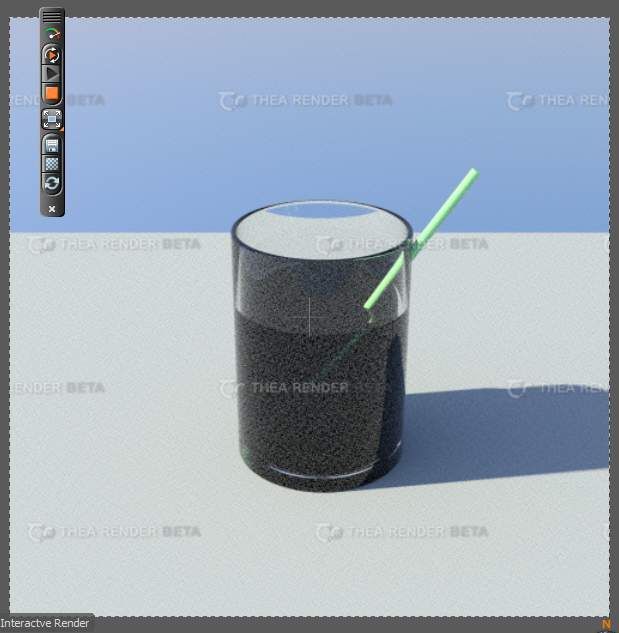
Renderer @35s
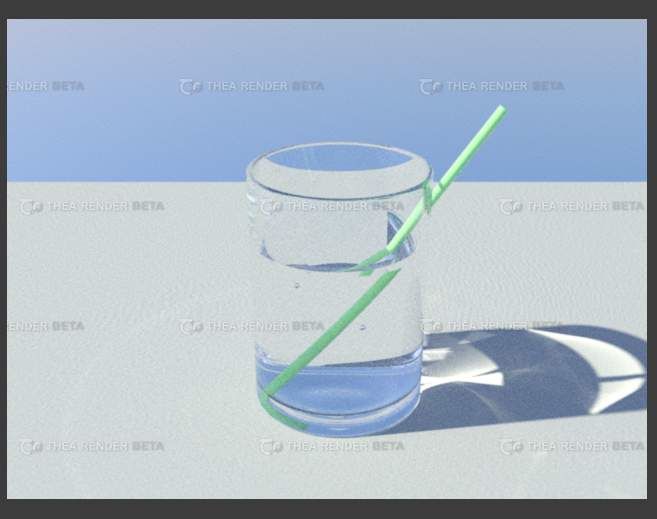
IA does it converge @2m35s? NO
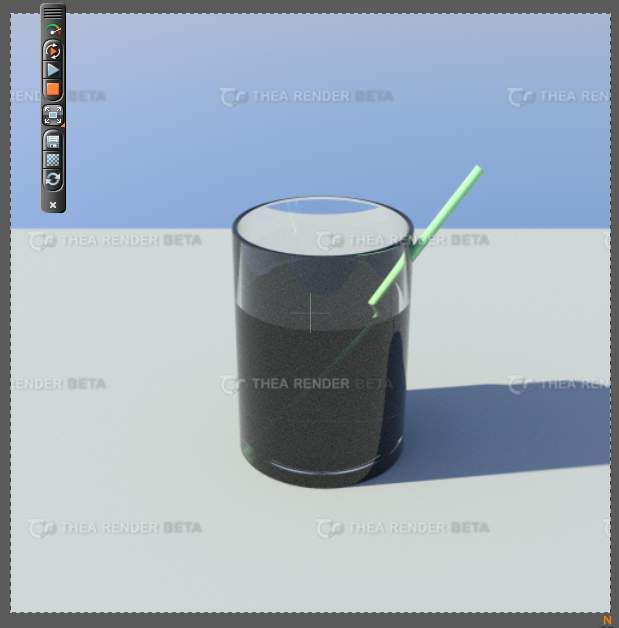
Renderer @2m35s
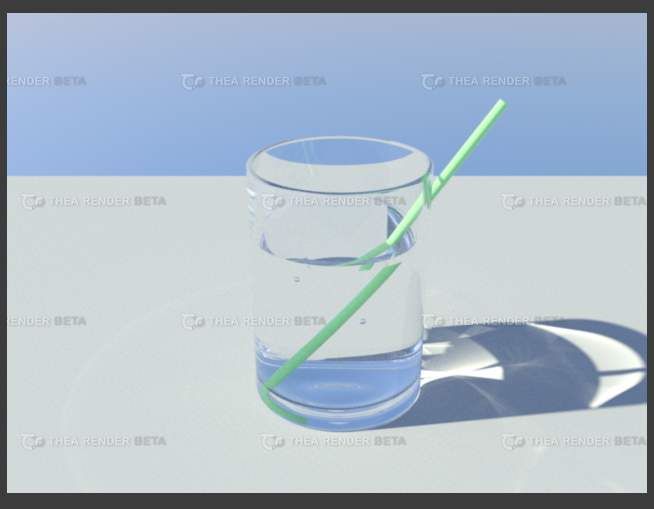
And just for the fun of it a comparison with the renderer with it´s TR2 algorithm @2m35s
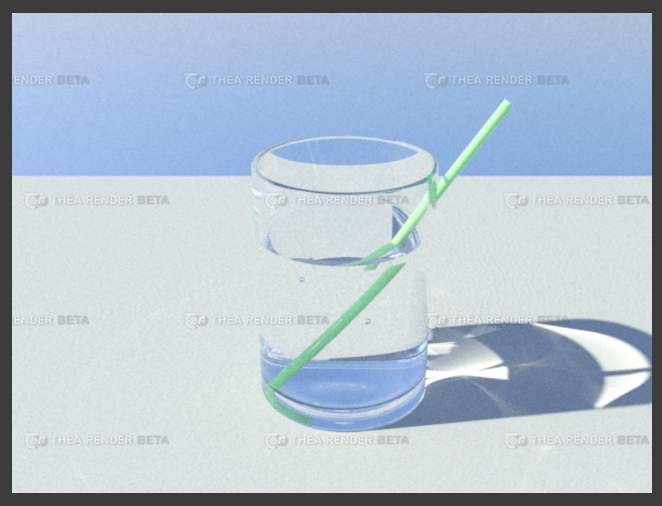
I think no further explanation is needed. If you wonder why I changed the default scene a bit that´s obvious as I wanted to see what would happen at the intersection of glass and straw when it went through. Not only the caustics but the shadow of glass on straw.
And why does it changes sometimes a tiny bit? That´s because it´s quite hard to make sure the renderer and primarily the preview renderer doesn´t precalculate solutions which it reuses. Simply starting and stopping didn´t seem to work similar to either zooming or moving the straw a bit so to be sure I did it.
I also noticed that after stopping the normal renderer the interface becomes real sluggish. The reason is that in the background the IA renderer kicks in again without any explicit instruction. You have to manually stop it after doing a normal render even when you already stopped it before switching to the render which I always did.
Maybe there are much better settings which I just couldn´t find. I tested a lot of non published workflows and built in render modes and these seemed the best to compare.
My conclusion will be clear. I´m quite certain that the maxwell preview will be much better in quality and usability. Usability because the IA preview will converge to a the normal render output. Quality because from the preview of the mx preview it´s clear that you get fast feedback on material and light interaction, one of the main reasons for an IA renderer.
Max
p.s. I have left them completely unedited to give the best possible information. However it´s best to open the screenshots and adjust them to see a lot more detail.
PS II: I WILL UPDATE THESE CAPS LATER WHEN I HAVE ALL THE RESULTS OF THE NEWLY SUGGESTED SETTINGS BY THE THEA DEVELOPERS.


 did you test it? how is it working? bugs?


 - By Forum Moderator
 - By Gaspare Buonsante 20200309160206