Page 1 of 2
PORSCHE
Posted: Wed Feb 11, 2009 6:13 am
by philmartin
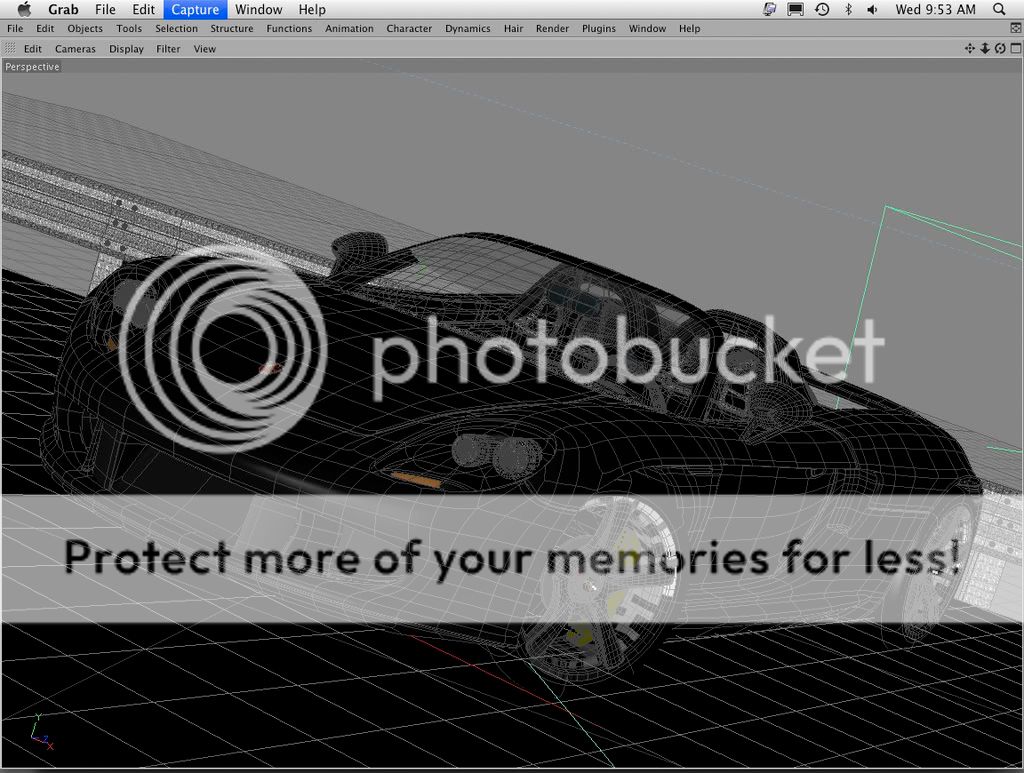
Rendering some of my older stuff in Maxwell, now that I have a faster computer the rendering times are bearable.

Posted: Wed Feb 11, 2009 12:35 pm
by Mattia Sullini
Neat! It's cars' time on the forum!
Posted: Wed Feb 11, 2009 1:47 pm
by NicoR44
Great car philmartin, did you model it in Nurbs or Mesh?
Posted: Wed Feb 11, 2009 4:59 pm
by philmartin
Thanks Mattia and Nico. This was modeled in Cinema 4D.
Posted: Sat Feb 14, 2009 11:35 pm
by philmartin
Rendered a studio version last night... Maxwell is a great tool!

Posted: Sun Feb 15, 2009 12:28 am
by -Adrian
Nice soft gel look, i like it. A larger render would be peachy

Posted: Sun Feb 15, 2009 12:34 am
by tom
Nice renders!

I realized the JPGs you've posted are encoded in Adobe 1998 color space. This is one of my fav color space in design but, I don't think everybody can view them properly on their browsers as they all come with sRGB by default. AFAIK, Internet Explorer doesn't have a color management system but I know Firefox has. So, I suggest Firefox users to enable color management for their browsers (which is disabled by default)
More information here:
http://kb.mozillazine.org/Gfx.color_management.enabled
And a plugin here:
https://addons.mozilla.org/en-US/firefox/addon/6891
Posted: Sun Feb 15, 2009 2:50 am
by Bubbaloo
Beautiful new render!
Posted: Sun Feb 15, 2009 6:33 am
by philmartin
Thanks Adrian, this is the largest I've been able to save in Photobucket.
Tom thanks, I've attached a render saved in sRGB.
Brian thanks, and congrats on your article in 3D World.
Posted: Sun Feb 15, 2009 4:54 pm
by tom
Sorry, for being a pain at this point but the second one is not an sRGB version either. It has sRGB assigned this time but the color space has not been converted from Adobe 1998 properly. The correct way of making such conversion is:
1) Open image in PS using the embedded space instead of working space.
2) Edit / Convert to Profile...
Here's the real intended look:

Posted: Wed Feb 18, 2009 7:33 pm
by philmartin
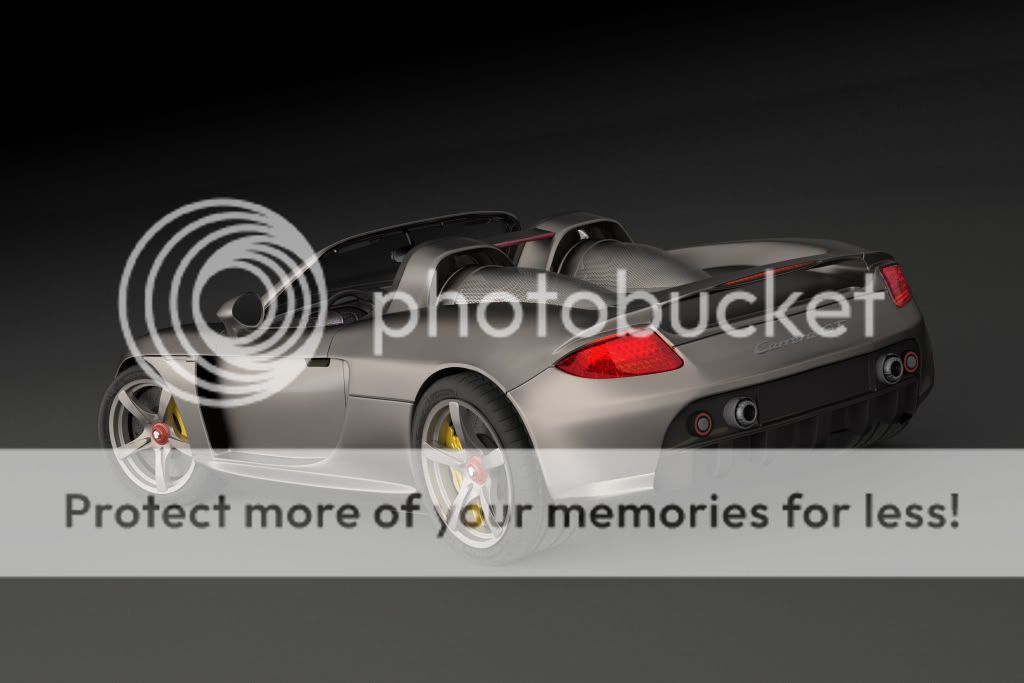
Ok, I tweaked the front and here's the rear...


Posted: Wed Feb 18, 2009 8:24 pm
by JorisMX
I like the contrasts in the rear shot alot better!
The left backlight seems blown out, not much information left there.
One tip (I know its cheating..) if you save out from mxi to hdr you can develope 2 different versions and do a kind of tonemapping to resolve blown out areas like these.
nice stuff!
Posted: Wed Feb 18, 2009 8:47 pm
by Maximus3D
These are all beautiful car shots

well done!
But i agree with Joris about the backlights, they lost their details for some reason. If you could fix that it would be sweet.
/ Max
Posted: Wed Feb 18, 2009 11:26 pm
by caryjames
Those look REALLY GOOD!!!! Thanks for posting!
Posted: Wed Feb 18, 2009 11:59 pm
by itsallgoode9
coming along well! in your latest shots the tires are really bugging me...that material needs work. The walls of the tires, at least, would be very shiny because of tire shiine they would put on tirewalls. If it were a photoshoot they would probably put that on the entire tire.