Page 1 of 2
Bolts. New update 19/2/07
Posted: Wed Jan 24, 2007 3:17 am
by Tim Ellis
Titanium bolts. Still too new, need to roughen them up a tad.
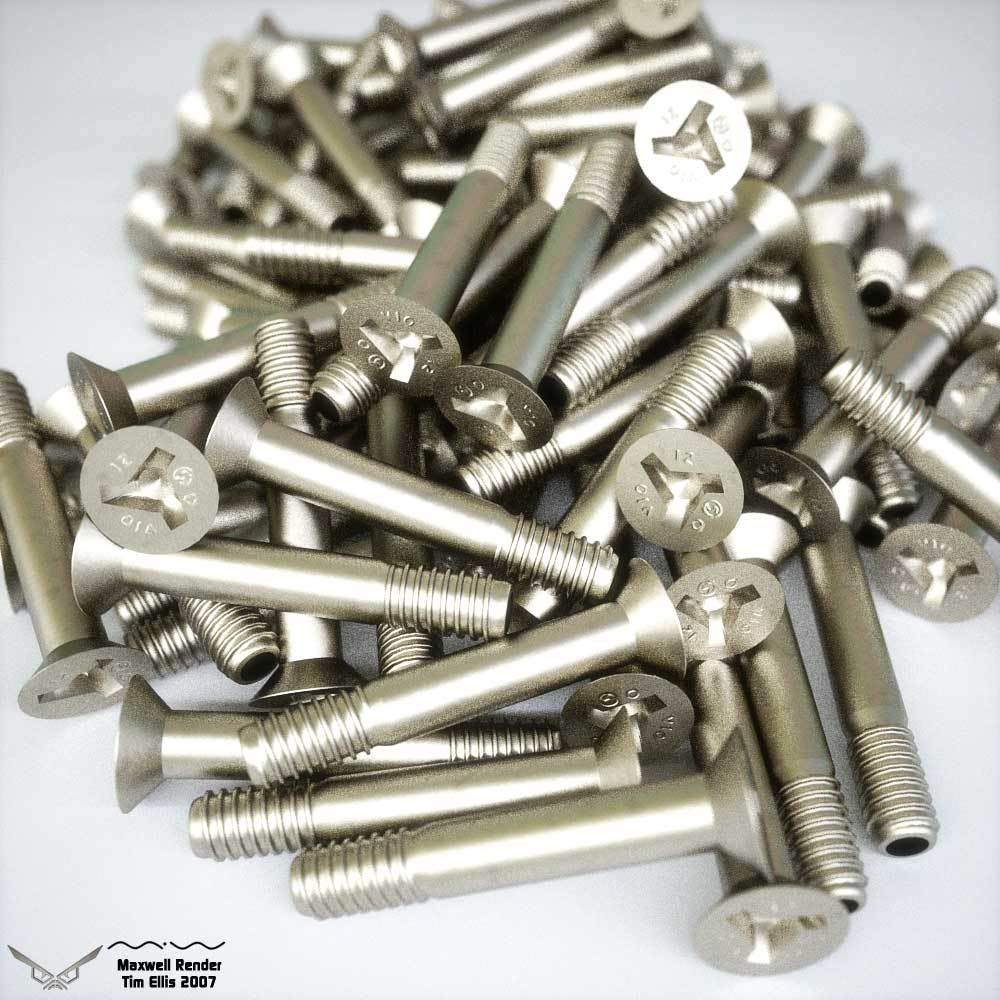
Complex IOR Titanium with additional variance layer.
Tim.
Posted: Wed Jan 24, 2007 12:23 pm
by tom

Just amazing! If there's no coating and environmental trick causing that sweet metallic coloring on the bolts, it really demonstrates the power of Complex IOR at its best.
Posted: Wed Jan 24, 2007 2:08 pm
by DrMerman
Nice Tim. Really nice!

Posted: Wed Jan 24, 2007 2:29 pm
by deadalvs
and how the hell do You stack them so nicely ?
sweet !
Posted: Wed Jan 24, 2007 3:45 pm
by NicoR44
That's easy, he just dropped them

Looking great Tim!!
Posted: Wed Jan 24, 2007 3:56 pm
by deadalvs
NicoR44 wrote:That's easy, he just dropped them
Looking great Tim!!
ha. ha.
as if that were so easy ...
Posted: Wed Jan 24, 2007 6:02 pm
by -Adrian
Very nice, i think the screw slits on the top could need a tiny bevel. Anyway, lots of potential that scene.
Posted: Thu Jan 25, 2007 3:20 am
by Tim Ellis
Tom, there is a reflection and illumination map. When the enviroment is turned off in multilight, the colouring disappears, however that's not to say it's not the IOR effect.
I haven't added a coating to it, but I had intended to. I'll see if the IOR on it's own is capable first, by removing the HDRI and adding more lights.
Thank you Dr Merman.

deadalvs, here's the reference photo I used to match the stacking. All placed by hand, no scripts and too much patience.
Titanium bolts ref photo Click image to enlarge.
Thank you Nico.
Adrian, you are correct. There's also something wrong with the bolt tips. There's no black mxms in the scene, so I guess it's inverted normals.
Also noticed that the bolts in my reference shot are 95% Titanium, so I'll adjust my variance layer to match.
Next update soon.
Cheers,
Tim.
Posted: Fri Jan 26, 2007 5:05 am
by superbad
Yours actually look more like titanium than the ones in the reference photo.
Which could be because those bolts are most likely 6Al-4V, which is an alloy of 90% Ti, 6% alumin(i)um, and 4% vanadium.
Those bolts are NAS4603 by the way, but I can't find the standard online to see what material is specified.
This is nitpicking, but your threads aren't modeled exactly right. The threadform and pitch looks a bit off, and they aren't chamfer blended out at the bottom. I would imagine that's pretty difficult to get right in something other than a real CAD program though.
Posted: Fri Jan 26, 2007 6:00 am
by Tim Ellis
Cheers for the comments superbad.
I need to re-chamfer the heads and will tidy up the threads. I didn't have exact specs to model them from, just the ref photo.
Thanks for the % breakdown, I can hopefully mix in the complex IORs for the aluminium & vanadium.
I'll do some more work on this today.
Thanks,
Tim.
Sorry 56k's, larger image size.
Posted: Wed Feb 14, 2007 5:22 am
by Tim Ellis
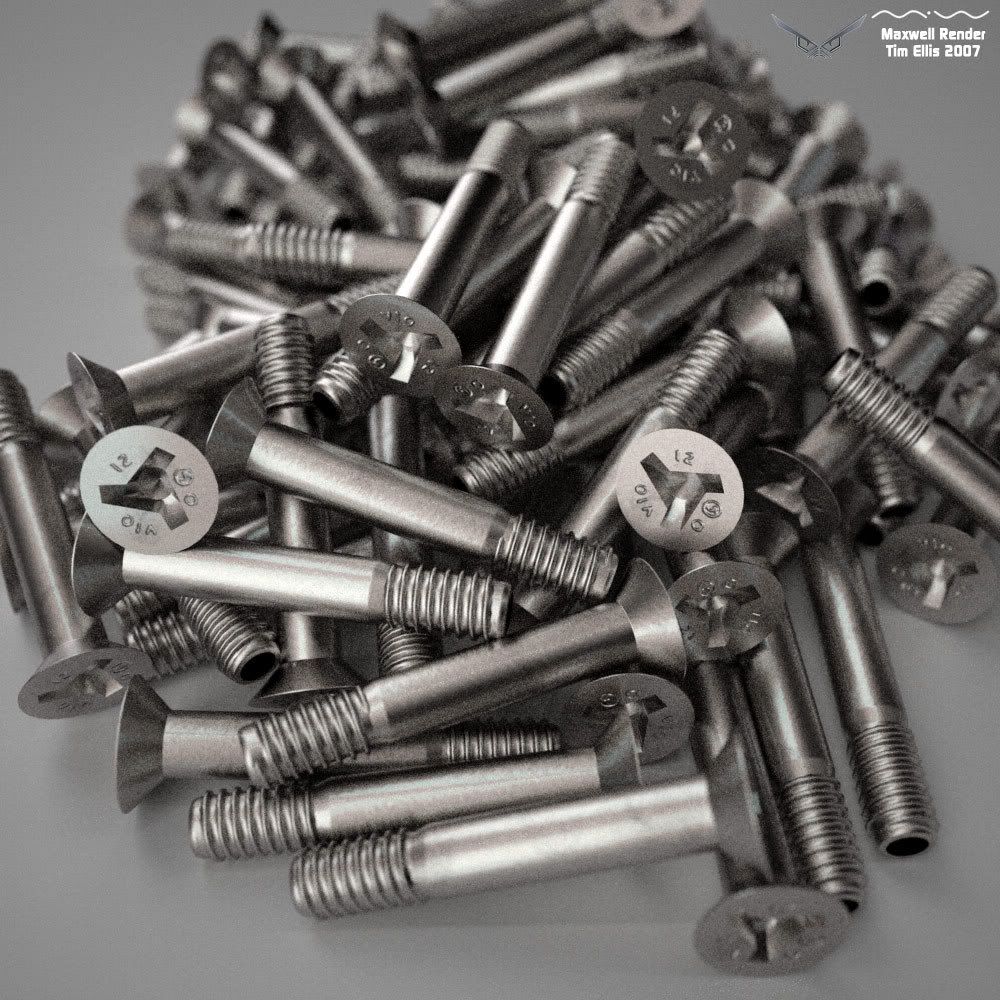
90%Titanium, 6%Aluminium & 4%Vanadium. All complex IORs with a 500nm coating and a normal map for surface variation.
No coloured lights or coloured HDRI this time. Single long emitter above the camera and a black and white homemade HDRI.
A few more tweaks.....and a longer render.....
Tim.
Posted: Wed Feb 14, 2007 4:25 pm
by b-kandor
deadalvs wrote:NicoR44 wrote:That's easy, he just dropped them
Looking great Tim!!
ha. ha.
as if that were so easy ...
I drop parts in solidworks exactly this way, using motion simulation with gravity turned on. It works great!
Kandor
Posted: Wed Feb 14, 2007 5:13 pm
by KurtS
great work!
The metal material is close to perfect!
Posted: Thu Feb 15, 2007 6:56 am
by bunkiojo
Got a question about alloys, like the one you have here:
Do the constituent metals in alloys in real life exibit visual characteristics in proportion to their relative amounts in the alloy? Just curious...
Cool bolts, by the way! Been looking forward to your update for this scene...
Posted: Fri Feb 16, 2007 12:22 am
by w i l l
b-kandor wrote:
I drop parts in solidworks exactly this way, using motion simulation with gravity turned on. It works great!
Kandor
Thats interesting... never thought of using Solidworks for that. Nice bolts Tim!