Improve viewport
Posted: Wed Dec 01, 2010 10:30 am
Hi all,
Is there a way to improved the quality of the materials display in the viewport, here in this picture, for example to the left is the MXM material and to the right a basic C4D material with the same diffuse texture, at least to my eyes the native C4D mat displays better in order to remap with more accuracy.
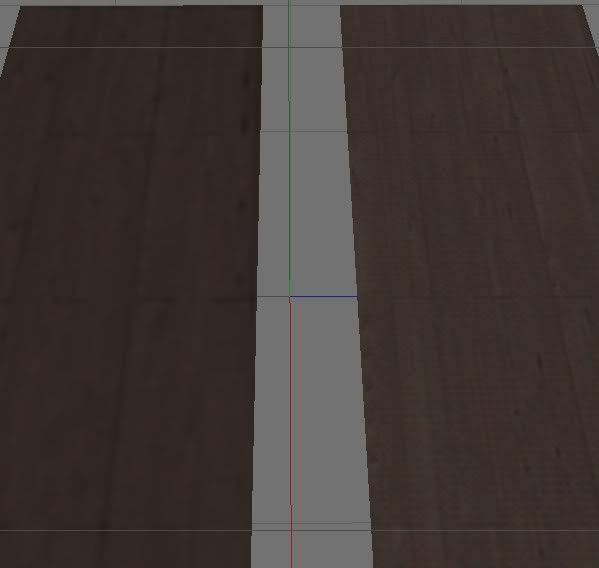
Maybe this doesn´t make any sense to anybody else but for my workflow sometimes I have to map with the standar C4D mat and then reaply the MXM.
Cheers
JC
Is there a way to improved the quality of the materials display in the viewport, here in this picture, for example to the left is the MXM material and to the right a basic C4D material with the same diffuse texture, at least to my eyes the native C4D mat displays better in order to remap with more accuracy.
Maybe this doesn´t make any sense to anybody else but for my workflow sometimes I have to map with the standar C4D mat and then reaply the MXM.
Cheers
JC

 thanks, but sadly this only happens with new materials created in the document, is no kind of "refresh" of the textures that are already there.